Ah, the iPhone, built with quirks with one thing after another that we can't help but let get under our skin. Luckily, you don't need to go to a Genius bar to find out the solution.
2
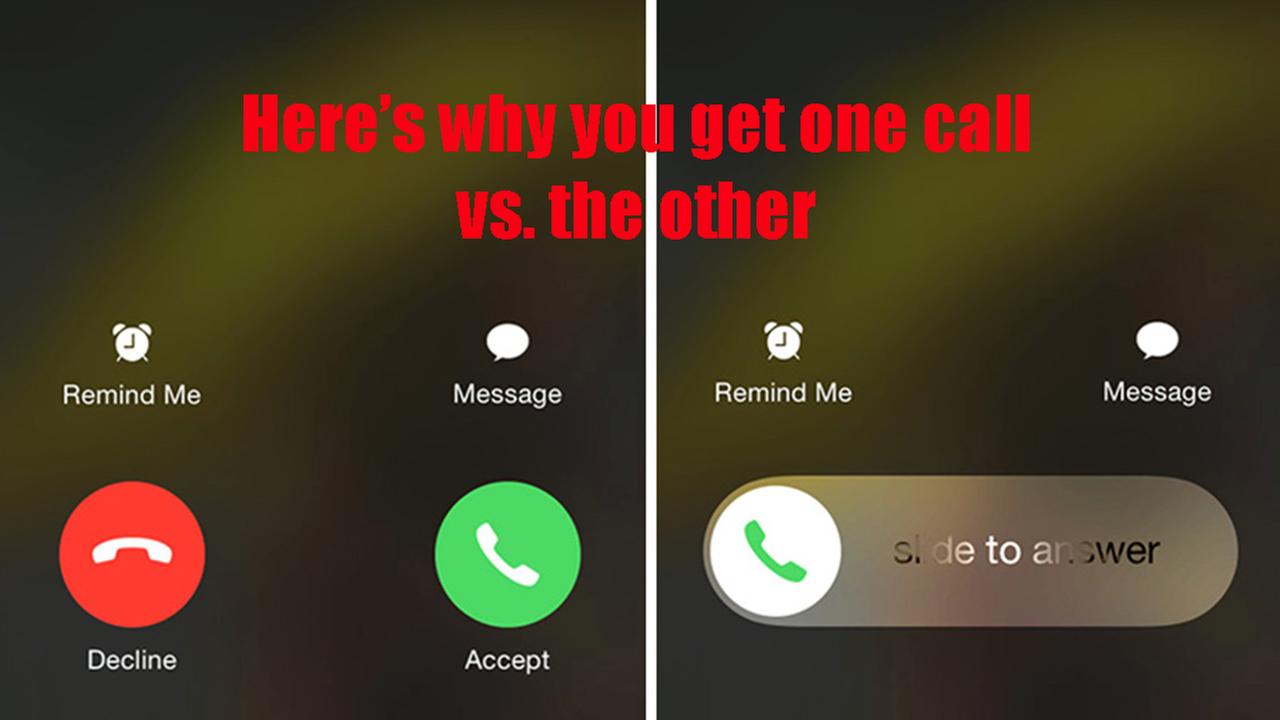
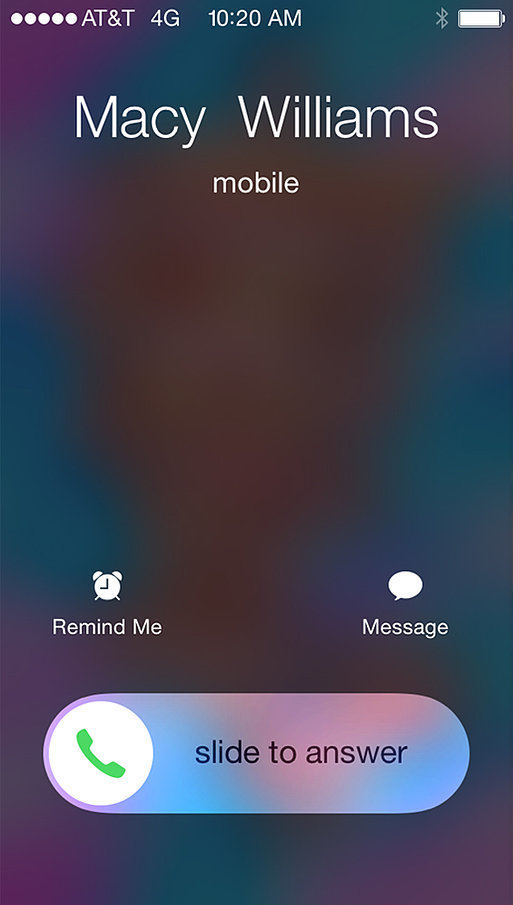
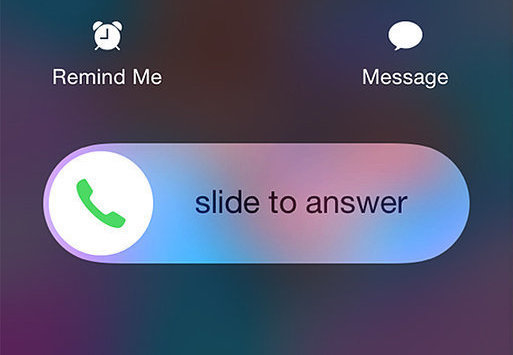
Sometimes, when someone calls you, you'll notice this slider graphic indicating how to pick up and answer. If this was all there was, we wouldn't be upset. However...
3
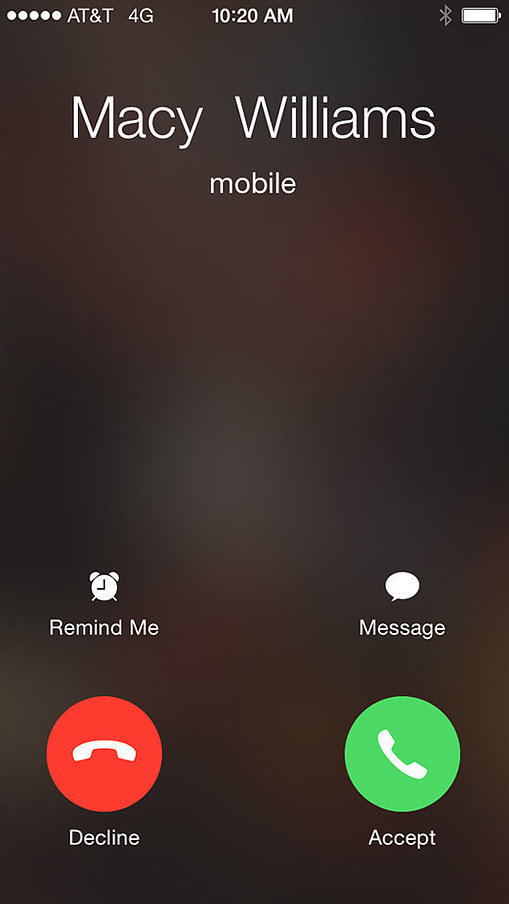
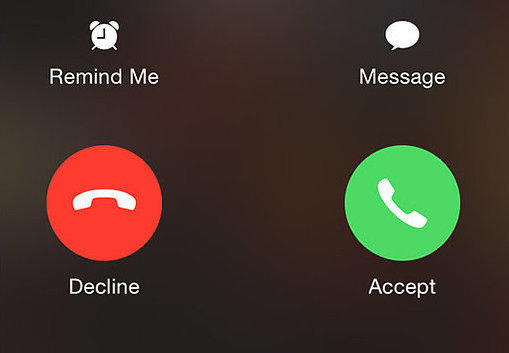
On other occasions when you receive a call, you'll see this dual button graphic, with the option to decline a call.
4
Sometimes you can just slide, sometimes you can pick up or decline? What strange, complicatedly maddening reason could there possibly be for this seemingly random difference in display?
5
The answer, according to Business Insider, is refreshingly simple. If your iPhone is locked when you receive a call, it will show up as a slider.
6
Conversely, if your iPhone is unlocked when you receive a call, you will see the two buttons giving you an option to decline the call.
7
Now you can move on comfortably with your life, secure in the knowledge of your smartphone's methods.